Teaching Designers to Take Control with “Design In Browser”
A friend in an MFA Design course was working on a digital version of her publication, but she was struggling with the Wix page builder. It wouldn’t let her control whitespace the way she wanted. What an impoverished state of affairs, I thought to myself.
This inspired me to create “Design in Browser,” a 12-week online course that teaches designers the fundamentals of HTML and CSS.
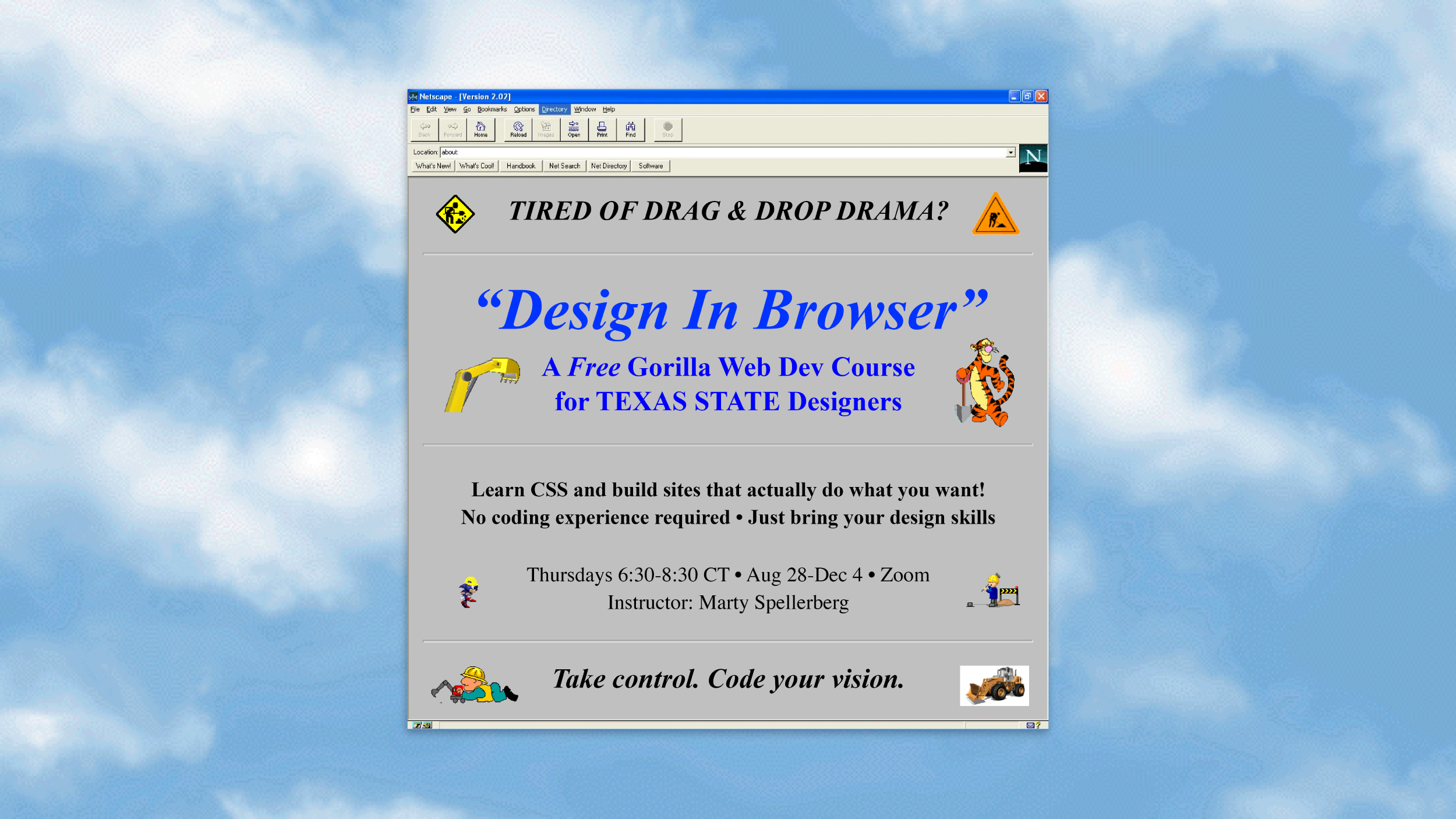
“Have you ever felt frustrated by the layout options offered by Wix and Squarespace? Are you tired of struggling with drag-and-drop editors that won’t meet your needs? It’s time to take control and bring your web vision to life without compromise!”
I sent this message to a few friends. Two students joined the experiment: Susana Aegerter, who had no prior coding experience, and Jessica Chavarria, a friend of Susana’s with some web design knowledge.
My CSS Philosophy
Art critic Richard Dorment once described how Andy Warhol created his 1965 Red Self-Portrait series. According to Dorment, Warhol “turned over to [Richard] Ekstract the acetates he’d used for the 1964 series of self-portraits and authorized him [to] take them to a commercial printer for silk-screening.” The printer then “printed ten pictures with Warhol’s written and telephoned instructions.” Warhol wasn’t physically present during the printing process. Instead, he conveyed his artistic vision by phone to the printer, specifying exactly which colors and techniques to use.
That’s how a designer needs to think about CSS. Just as Warhol could create art by communicating his vision to a technician at a screen-printing studio, designers need to articulate their intent in ways that can withstand the internet. Their ideas need to be clear enough to survive being described over the telephone or mangled by a browser.
CSS is a powerful design language, and my goal is to help designers integrate a clear understanding of its principles into their designs. These habits of thought will enable them to produce their own web designs and to collaborate more effectively with the development teams they will inevitably work with.
The Course in Practice
From August to November, we met every Thursday at 10 a.m. on Zoom for about an hour. The class was free, with no homework and no pressure.
We started with an overview of developer tools, then moved on to HTML structure and essential tags. We covered CSS linking, selectors, typography, margins, padding, borders, and color with hex codes and RGBA values. Students learned about images and web fonts. Early in the course, I introduced accessibility, including Section 508 and the WCAG guidelines, semantic HTML, keyboard navigation, and color contrast. In the second half, we focused on layout with Grid, responsive design using media queries, and adding interactivity with hover states and transitions.
What Worked, What Didn’t
There were several moments when Susana and Jessica were clearly excited about what they had created. The first instance I noticed was when they successfully made links that worked. Although it seems like a simple achievement, seeing them experience that “I made this!” moment reminded me of why I love the web.
The no-homework policy, while keeping things informal, meant students didn’t practice between sessions. Whenever one student missed a session, I used that time for hands-on practice with the other. The progress we made on those days reinforced the importance of practice.
My biggest challenge was explaining why CSS selectors work the way they do. The logic of cascading and specificity proved difficult to convey. I also had to abandon my original plans for assignments, a practical exam, and an introduction to JavaScript through Vibe Coding. We ran out of time.
Why This Matters
Throughout my career, I have collaborated with designers of amazing talent, taste and skill to deliver impeccable aesthetics for clients in art and culture. Along the way, I’ve noticed that the communication gap between designers and developers often leads to challenges and missed opportunities.
When I first became a web designer, the title primarily meant that you knew how to code HTML. As the field evolved and things grew more complicated, debates emerged over whether designers needed to know code. Eventually, UX/UI design split from front-end development. However, designers with a fundamental understanding of code have a distinct advantage over those without. This knowledge enables them to make informed decisions and design systems that “go with the grain” of the web.
“I learned how HTML and CSS work together to structure and style a webpage,” Jessica said. “At the end of the course, I strongly believe that this has strengthened my view in design in many areas. I truly enjoyed this course and hope it keeps going for more students to learn from.”
I am considering offering this course again. If you’re a designer struggling with page builders or if you are looking for someone to teach your team these fundamentals, I would love to hear from you.
Posted December 2025