Midi Onodera
In-Gallery Kiosk for Artist Midi Onodera
The Archive and Everyday Life Conference, held May 6–8, 2010 at McMaster University, examined how fields of archive intersect with everyday life. The conference program includes panel discussions, screenings, and visual art.
Midi Onodera’s year-long 2009 video project A Movie A Week was on view in the accompanying group exhibition held at Hamilton Artists Inc. from May 1–15. Her collection of 52 mini-movies “focus the lens on daily, un-monumental occurrences fit for the small screen.”
A long-time collaborator of Midi’s, I developed her site and online-presentation of A Movie A Week. For this exhibition, Ruby Pajares and I created a stand-alone version of the project (image above) that could be run off a lap-top.

Website for Artist Midi Onodera
Midi Onodera is an award-winning Canadian filmmaker who has been directing, producing and writing films for over twenty years.
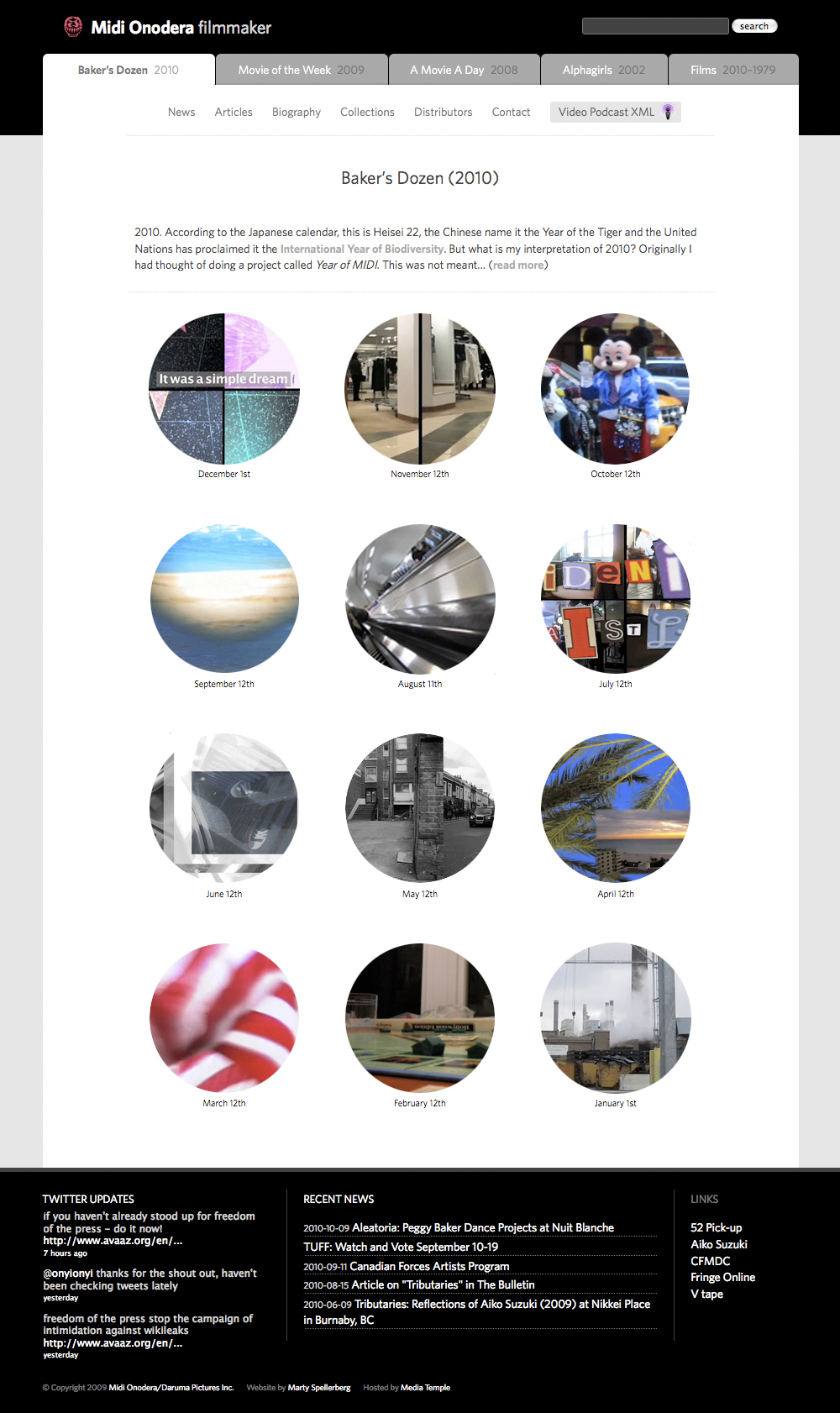
Website Redesign for Artist Midi Onodera
Midi Onodera is an award-winning Canadian filmmaker/moving image artist who creates shorts intended for “small screen” podcasting. This redesign includes a visual overhaul based on a look mocked-up by designer Ruby Pajares, and a full refactoring of the theme’s codebase. The fonts are Chaparral Pro and Museo Sans.

Interactive In-Gallery Video Kiosk for Artist Midi Onodera
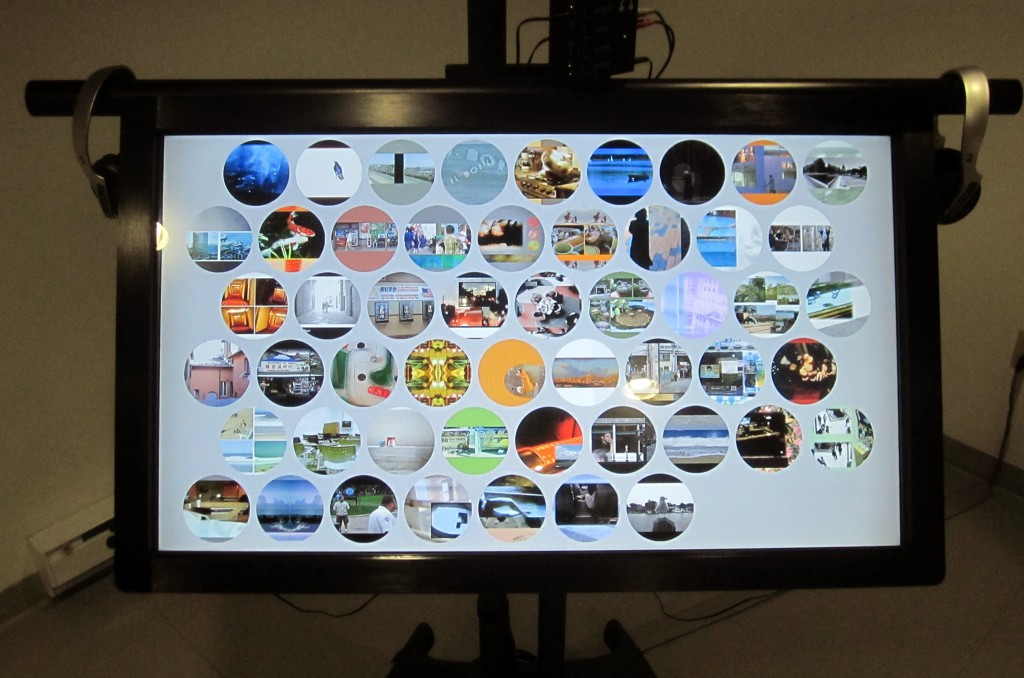
Interactive Touchscreen Interface using jQuery and HTML5 Video
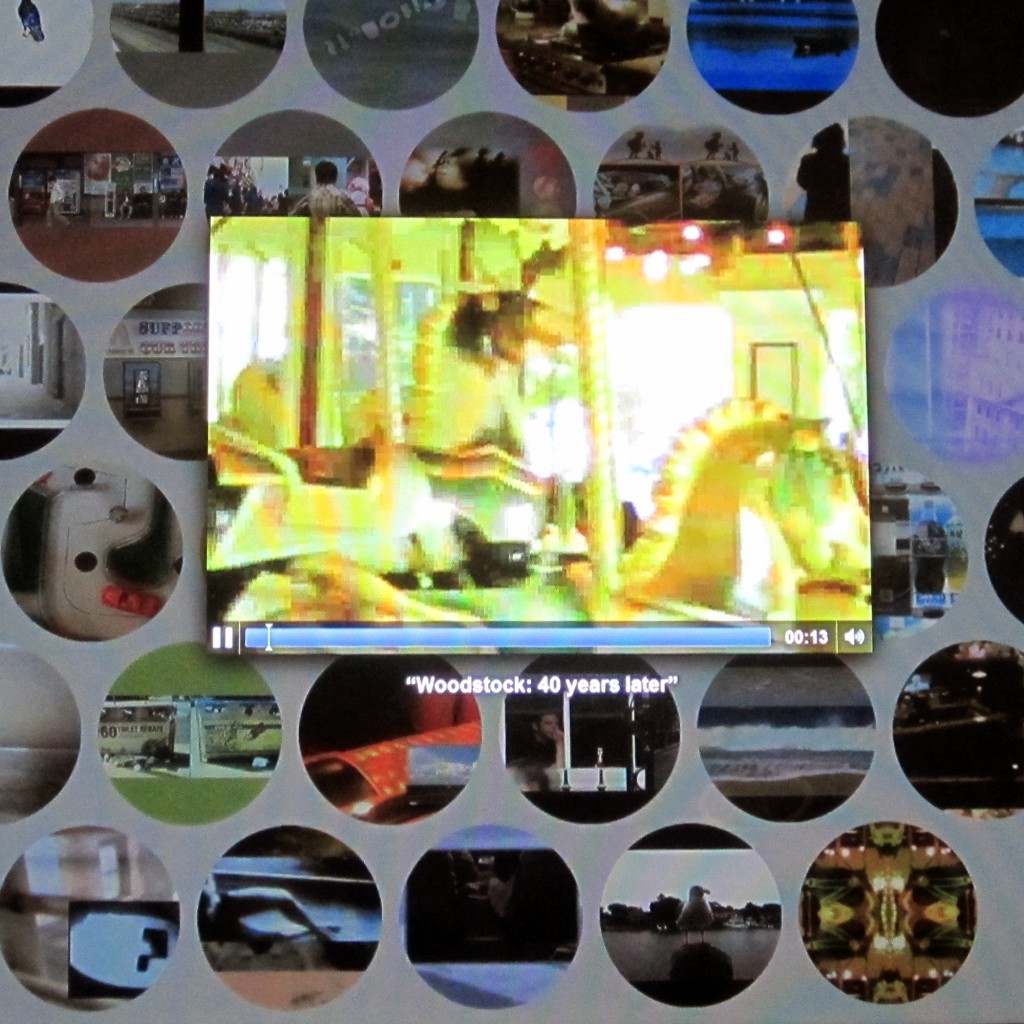
In 2009 artist Midi Onodera created a series of 52 short clips designed for podcasting. I have been fortunate to be involved in this project, providing technical support and new media development. When exhibition opportunities arise, such as Onodera’s recent show at Concordia University in Montreal, we grapple with ways to present these new-media-specific works in the gallery setting. Knowing Concordia had some sweet gear, Onodera chose show this series on a large touch-screen monitor. I designed and implemented the interface using web-standard technologies including jQuery and HTML5 Video.
I have posted the code on Github. It uses a jQuery vertical center function I previously created, as well as some other interface effects. One of my favourite of its features is the randomization: The thumbnails are shuffled as the page is loaded and then each moves to the end of the page upon being selected. At its core are the functions to load and play the clips.
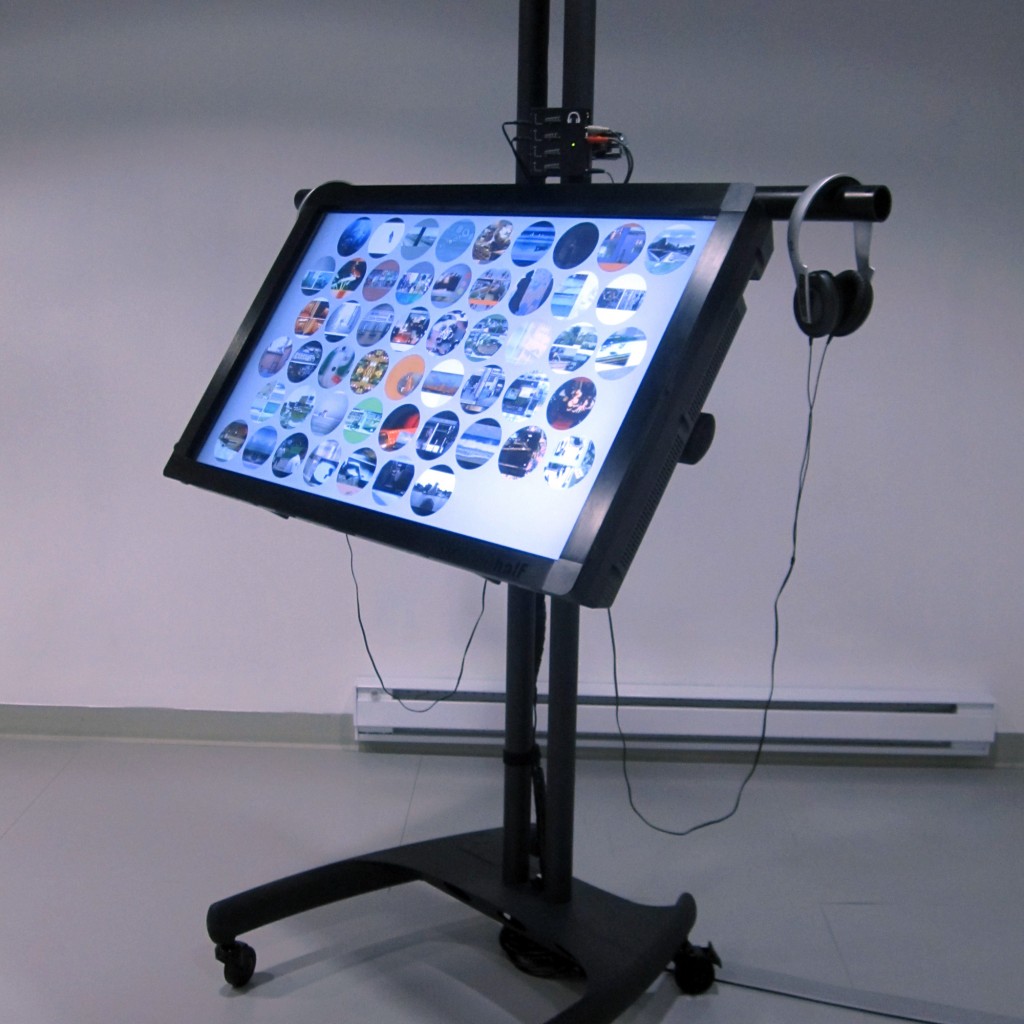
Swapping Sources in an HTML 5 Video
The interface provides access to 53 video clips, but rather than giving each its own instance, I set up an single video element, omitting a source.
<video class="video" id="video" controls="" autoplay="" width="640" height="426"></video> |
And then, when a video is selected, its source is added in and the element begins to play.
$('.video').attr('src','movies/' + movieNum + '.m4v');
document.getElementById('video').play(); |
But the strangest thing happened when the next video is loaded and played: The audio from the first clip would play along with the new! I tried all sorts of things, including completely unloading the video element and creating a new one for each cycle, but still the audio could be heard. What a strange bug!
In the end I found it could be solved by, upon closing the clip, pausing the playback and then removing the video source:
document.getElementById('video').pause();
$('.video').removeAttr('src'); |
All of this can be seen in-context over at Github.