Splatting Notes 3: Capturing An Exhibition Using iPhone
Cristina Velásquez is a Colombia-born artist currently based in Austin. Her Soportes exhibition at Spellerberg Projects dealt with themes of family and the multiple meanings of support (my words). Formally, it presented a perfect test for us because it consisted of six discreet wall pieces, photographs on textile or paper, presented without glass, which causes reflections. I arrived at the gallery one quiet afternoon with my new-to-me iPhone 12 Pro, loaded with the SplatKing app, which makes captures using both the LiDAR sensor and the normal and wide lenses.
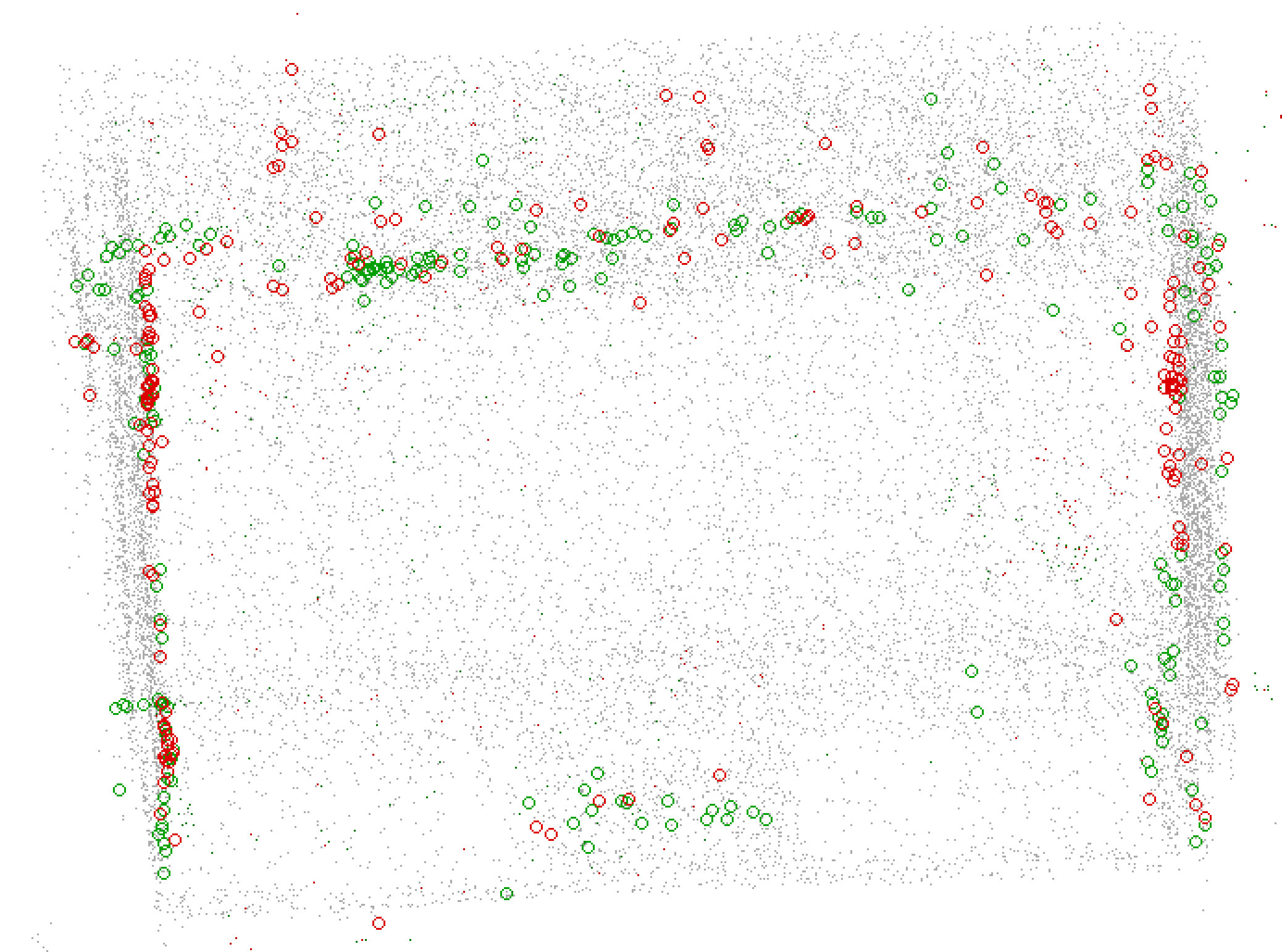
We have reached the point in our story where I must explain LiDAR vs photo captures on the iPhone. (This is one of those areas where I’m describing things to the best of my current understanding, so keep that in mind.) Camera apps access the iPhone’s cameras using a framework called AVFoundation. This framework allows locking the exposure and white balance, which is super important because if you don’t, the colors of your scenes come out all splotchy. For me, this was a real problem with the white walls gaining various yellow splotches, and the “wood” floor (it’s laminate, honestly) getting blown out to grey. The LiDAR captures, by contrast, use a different framework called ARKit. This framework originally only provided access to LiDAR, but was later updated to include visual data as well. (Thank you Apple!) However, the white balance and exposure cannot be locked via this framework. ARKit and AVFoundation captures cannot be run simultaneously.
One of my overarching theories about making splats of art exhibitions is that I need the best of both capture methods. I need the photos with locked settings for the visual data, and I need the LiDAR to provide geometry that will overcome the Flat White Walls problem. What this means in practice is that my data sets for each exhibition will consist of at least two data sets, that must be combined.
As I was dutifully making my captures a hilarious thing happened: With so many lenses and sensors active, taking multiple images and data points per second, the iPhone straight-up overheated! SplatKing warned me about it, and then eventually refused to work until the phone cooled down. I went to get a sandwich and asked them for a cup of ice. After doing two full-room passes — one LiDAR, one camera — I switched to taking comprehensive photo close-ups of the individual works, literally putting the phone on ice between captures! Issues arising from the combination of these captures will be a recurring theme in this notebook.
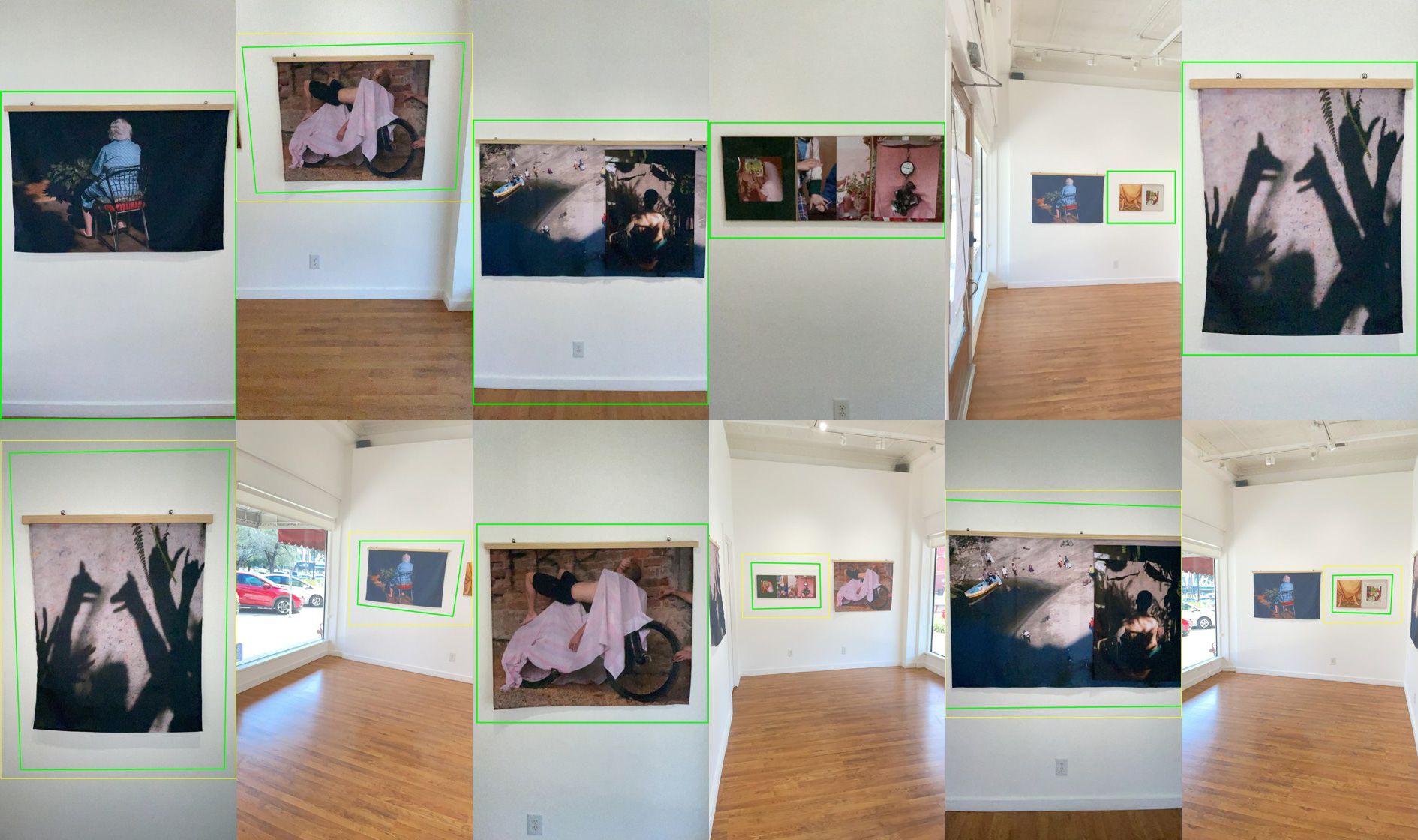
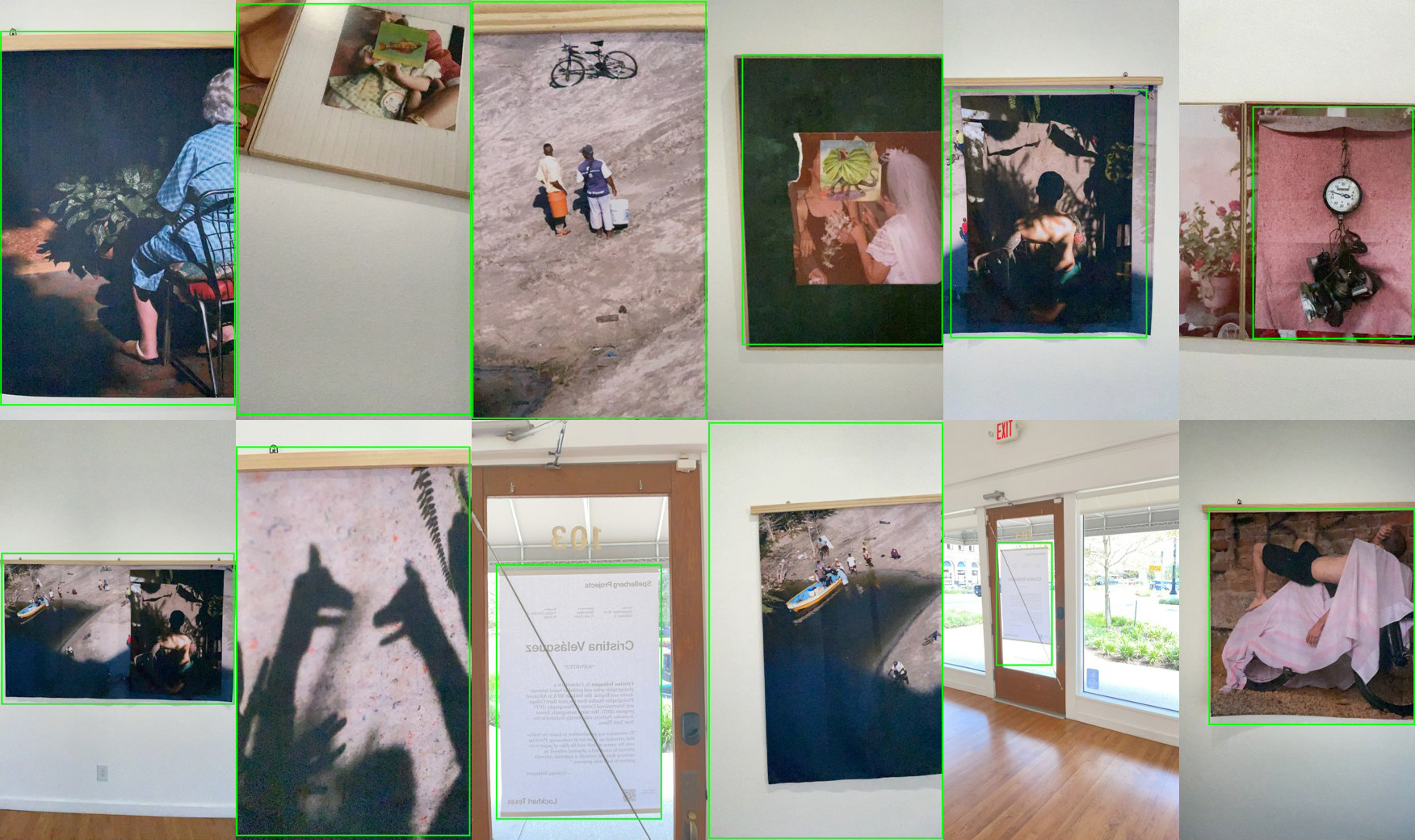
Posted October 2026
In thread “Gaussian Splatting Notebook”
- Splatting Notes 1: How It Started
- Splatting Notes 2: Requisitioning Surplus
- Splatting Notes 3: Capturing An Exhibition Using iPhone
- Splatting Notes 4: The Ghost Room
- Splatting Notes 5: Spatial Foveation, Maybe?
- Splatting Notes 6: LLM Operations and Multi-Agent Orchestration