Making Gaussian Splats of Art Exhibitions
Gaussian Splats are a machine learning technique for creating 3D graphics. My goal is to create captures of the exhibitions in the gallery at Spellerberg Projects. This is my work-in-progress notebook as I experiment with making them. I will write these notes in my own voice, to my current, no-doubt incomplete understanding.
— Marty
Splatting Notes 1: How It Started
Gaussian Splats are great! I first heard of them in winter 2025, when Apple released a model for turning flat images into 3D scenes. I made a few and used the app MetalSplatter to view them on my Vision Pro. It was so exciting! It seems to me we are headed toward a Star Trek-style Holodeck, which, to my mind, represents the terminal media format. For that reason, I like to call Gaussian splat scenes “holograms.”
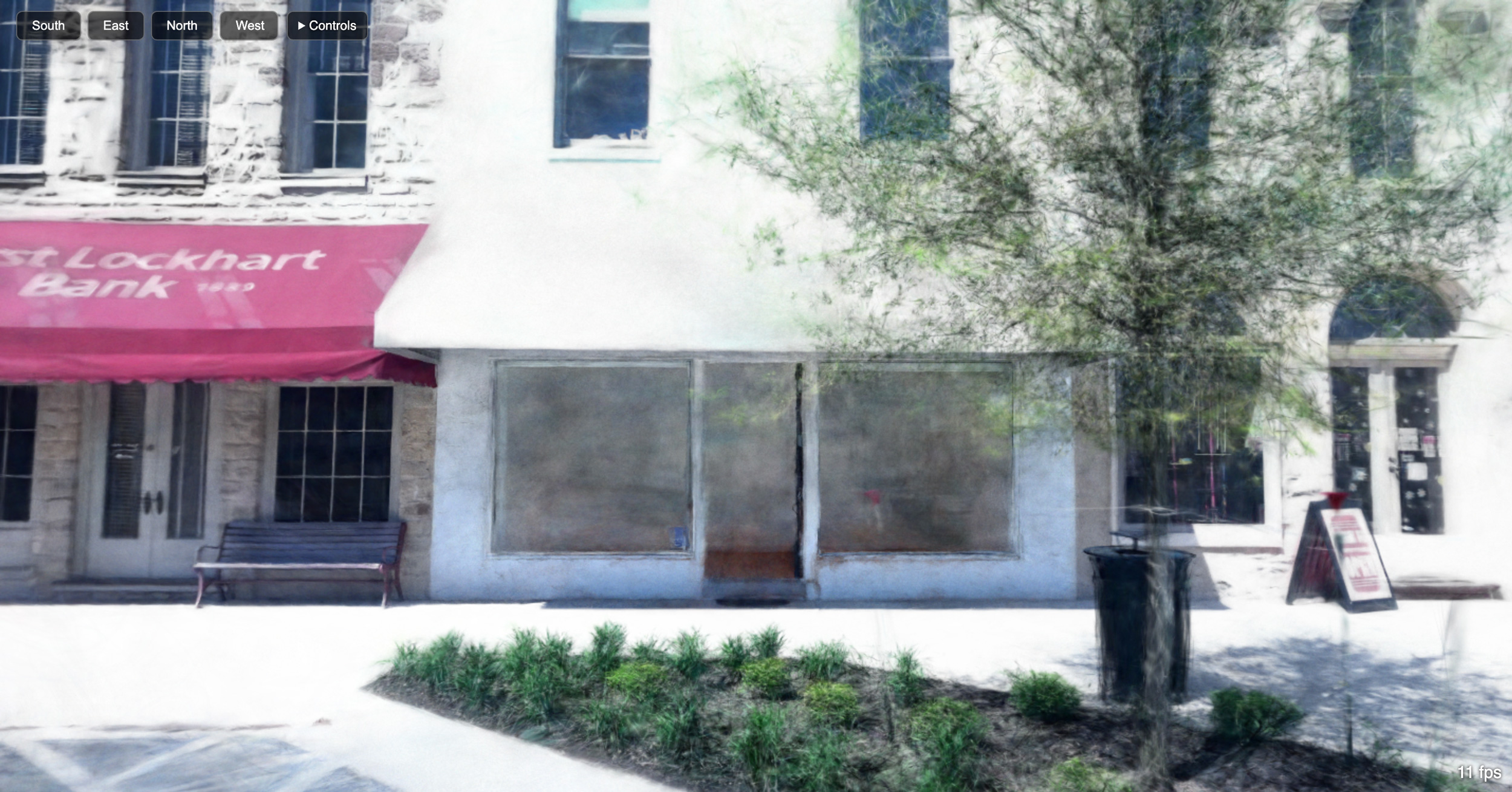
Scenes are made up of floating shapes called Splats, which is itself wonderful! I really like how much they look like brushstrokes, which gives me an intuitive sense that they’re resonant with old ideas about making images, and may be the real deal.
Around the time of my first experiment, the gallery at Spellerberg Projects had just been reset for install, and I thought it would be fun to create an empty “reference” scene. I did the capture on an iPhone X (I love my old phone!). I read how important it is to lock exposure and white balance, so I used the Blackmagic Cam app. And I captured video. For processing, I used an M2 MacBook Air.
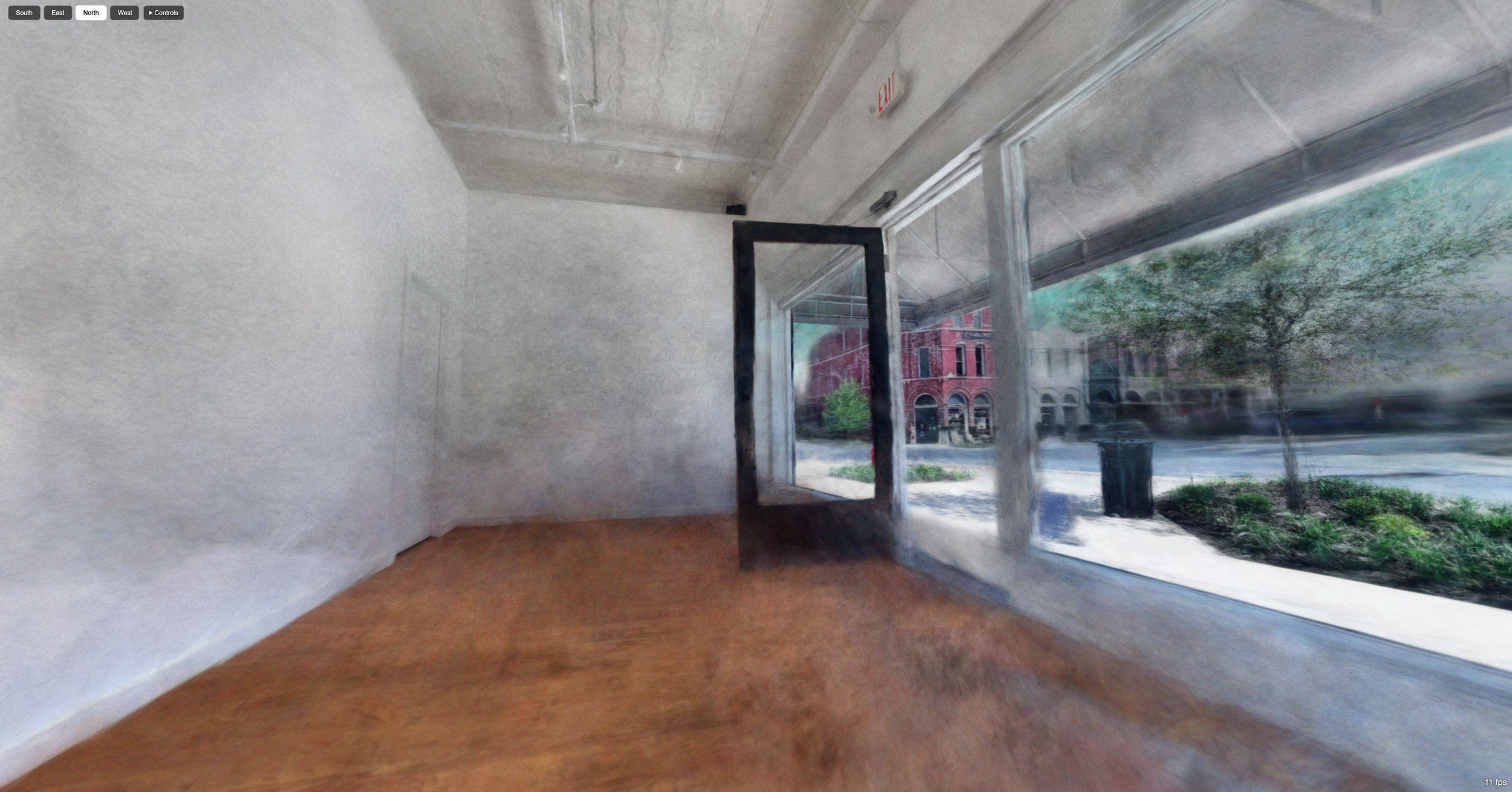
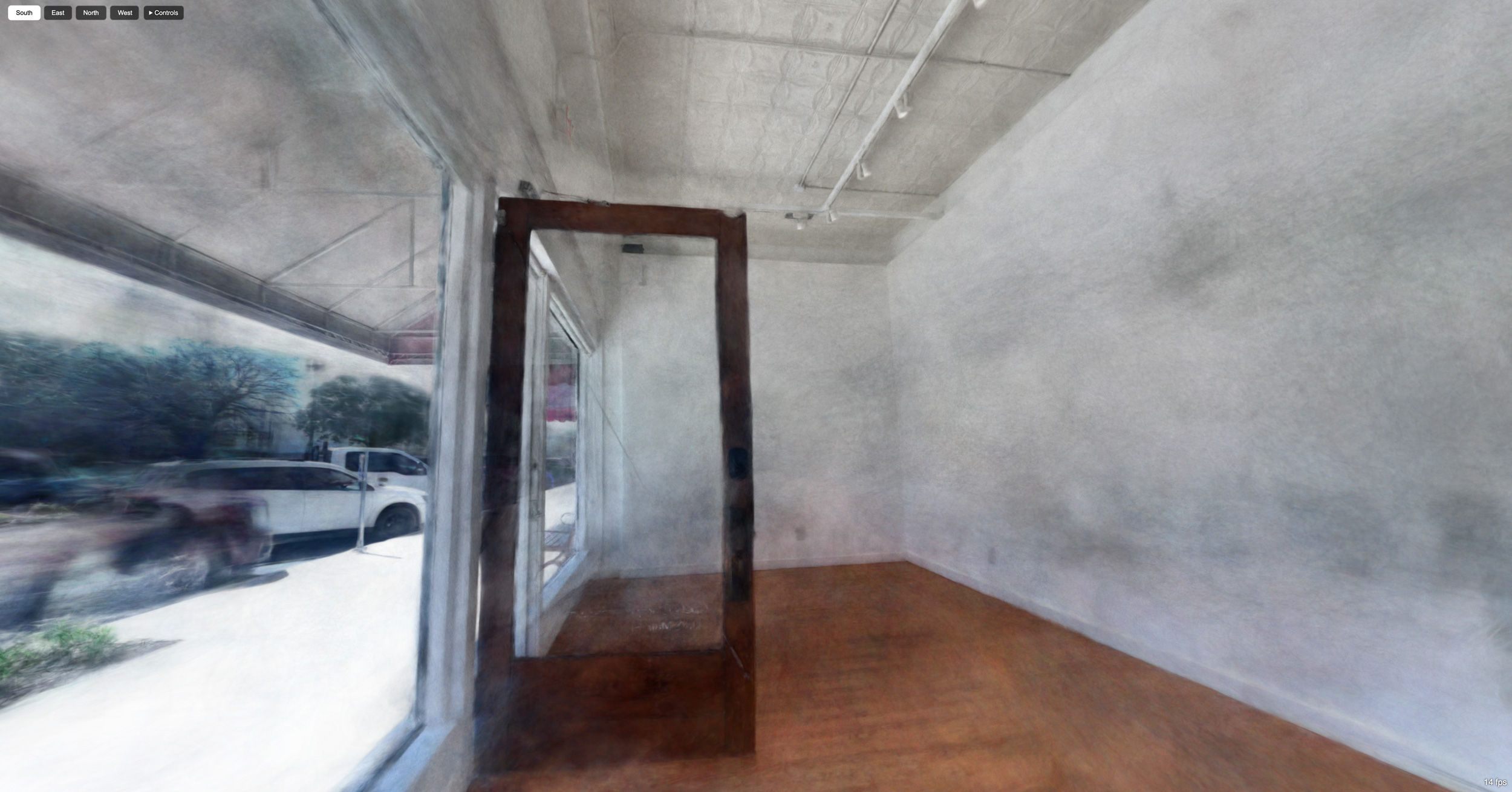
With this scene, I was introduced to a problem I’m still (as of this writing) dealing with: flat white walls. Scenes are made by examining multiple photos of an object to determine the placement, color, and other attributes of the individual splats. But a flat white wall doesn’t have distinctive visual features the trainer can use to place the splats. Bad news for us, since contemporary art gallery walls are flat white!
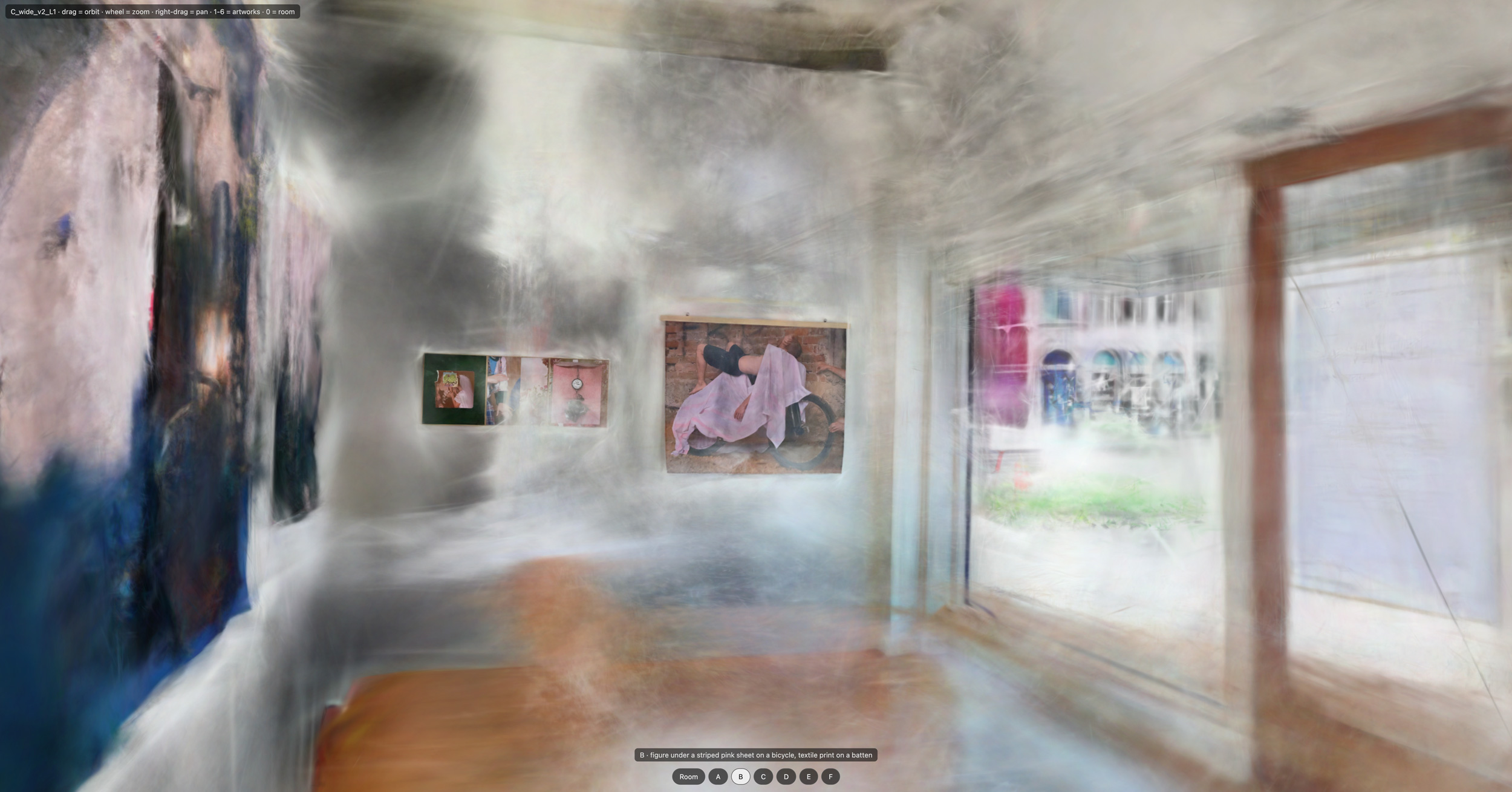
This scene [link] came from that capture. You can see the ghostly floaters in the room, and the patchiness. So that needs to be solved. But it’s fun! I also posted it on the gallery website with our Open Call, alongside traditional floor plans so that artists could get a sense of our space.
After that, I borrowed a friend’s iPad Pro, which has a LiDAR sensor. We captured an exhibition in the gallery, and I forget what app we used, but I learned what happens when you don’t lock the exposure and white balance: unusably bad results (for my use case, at least). I’ll go into the mechanism underlying that in a later post.
Splatting Notes 2: Requisitioning Surplus
My setup for this is all old gear + Claude. For the capture, I bought a refurbished iPhone 12 Pro. I chose it because this is the first model with a LiDAR sensor. I use the app SplatKing, which captures both still images and LiDAR.
For processing, the main machine is a 2017 MacBook Pro running macOS 13.7.8, with 16 GB of RAM and a 250 GB HD. The CPU is an Intel Core i7-7660U at 2.5 GHz with 2 cores/4 threads, and the GPU is an Intel Iris Plus 640. The main machine complained about filling up its internal HD, so I fished a 2 TB USB drive from storage to supplement it.
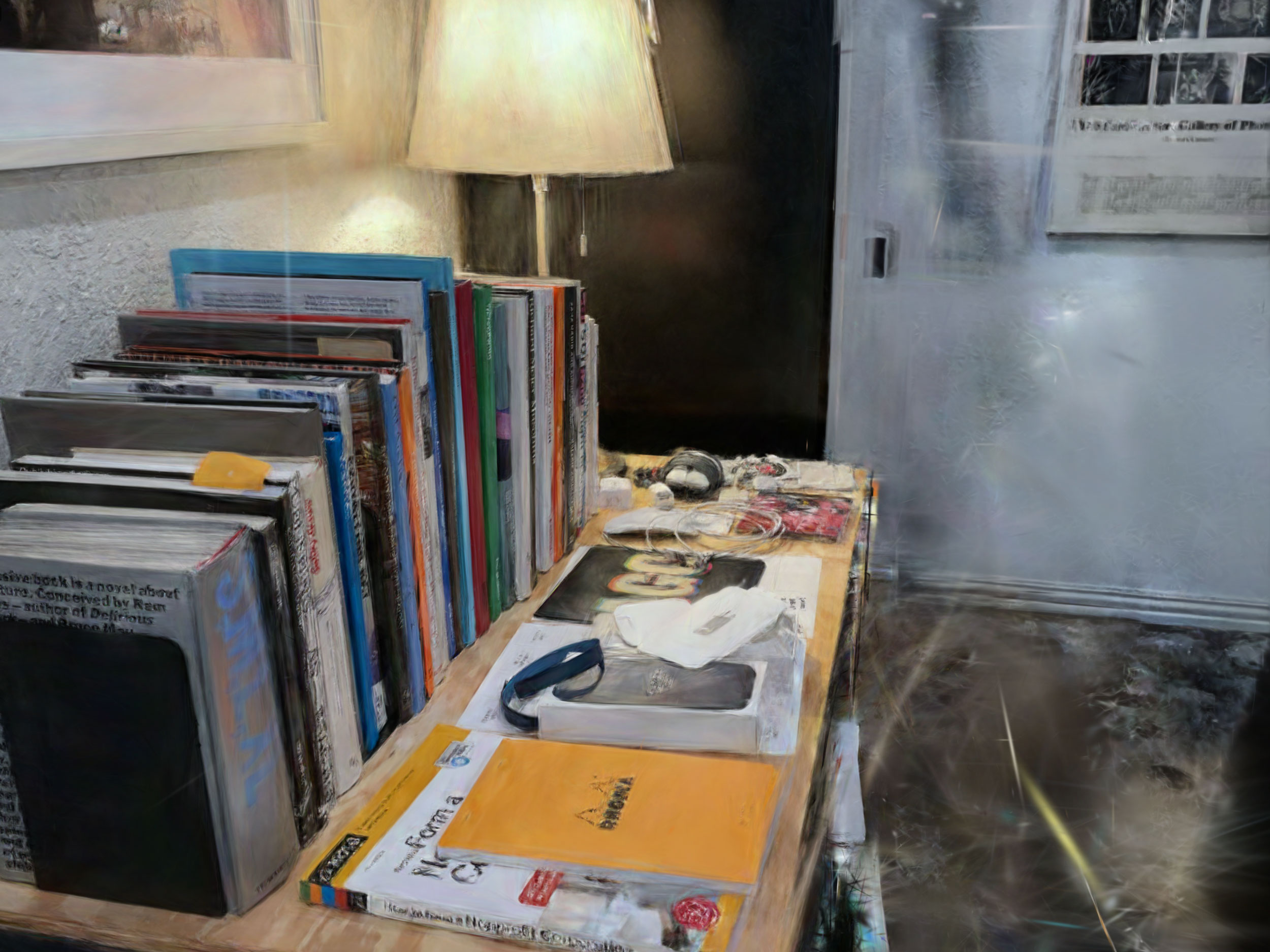
With this setup, we’ve had persistent kernel panics that seem to stem from a documented issue with Intel Macs’ hardware drivers when running Apple’s Metal API. While crashes were very common in the first days of the project, we’re mostly avoiding them now by tweaking settings (“autotune after a refine and non-finite splats,” Claude tells me) and being much more careful about how we schedule work so we don’t overload the system. Occasionally, crashes still happen (particularly during the “post-refine stall of the growth phase,” Claude reports), but we’ve put guards in place to limit their damage, which I’ll touch on in a future post.
When the MBP began complaining about CPU throttling (apparently some paste is dry?), I told it it could use some of its shelf-mate’s resources, a 2012 MacBook Air. The Air’s primary job is to sit on the network and provide access to a Time Machine backup drive. The Air runs macOS 10.15.8 and has an Intel Core i7-3667U at 2 GHz with 2 cores and 8 GB RAM. The Air’s GPU is not used for this project. The Air’s HD is 250 GB, but the project can’t use it except as a destination for backups of key project files, such as captures and the git repository. The project is instructed not to interfere with the Time Machine drive.
For Claude, I’m currently on a “Max (5x)” plan, which I share between this and my day-to-day work. The idea was to use up surplus tokens that would otherwise expire, but of course now, given the workload, I am eyeing a larger plan.
As an aside, the MBP became dedicated to this project because it was on a long-term loan to a colleague, but the HD failed. A friend helped me replace the drive, which was a new experience for me and involved a trip to the auto supply store to buy a suction cup! My friend says he can help me with the CPU paste issue, but I’m hesitant to open it up again. With the machine back in hand, I figured it was worth investing in the refurbished iPhone.
Splatting Notes 3: Capturing An Exhibition Using iPhone
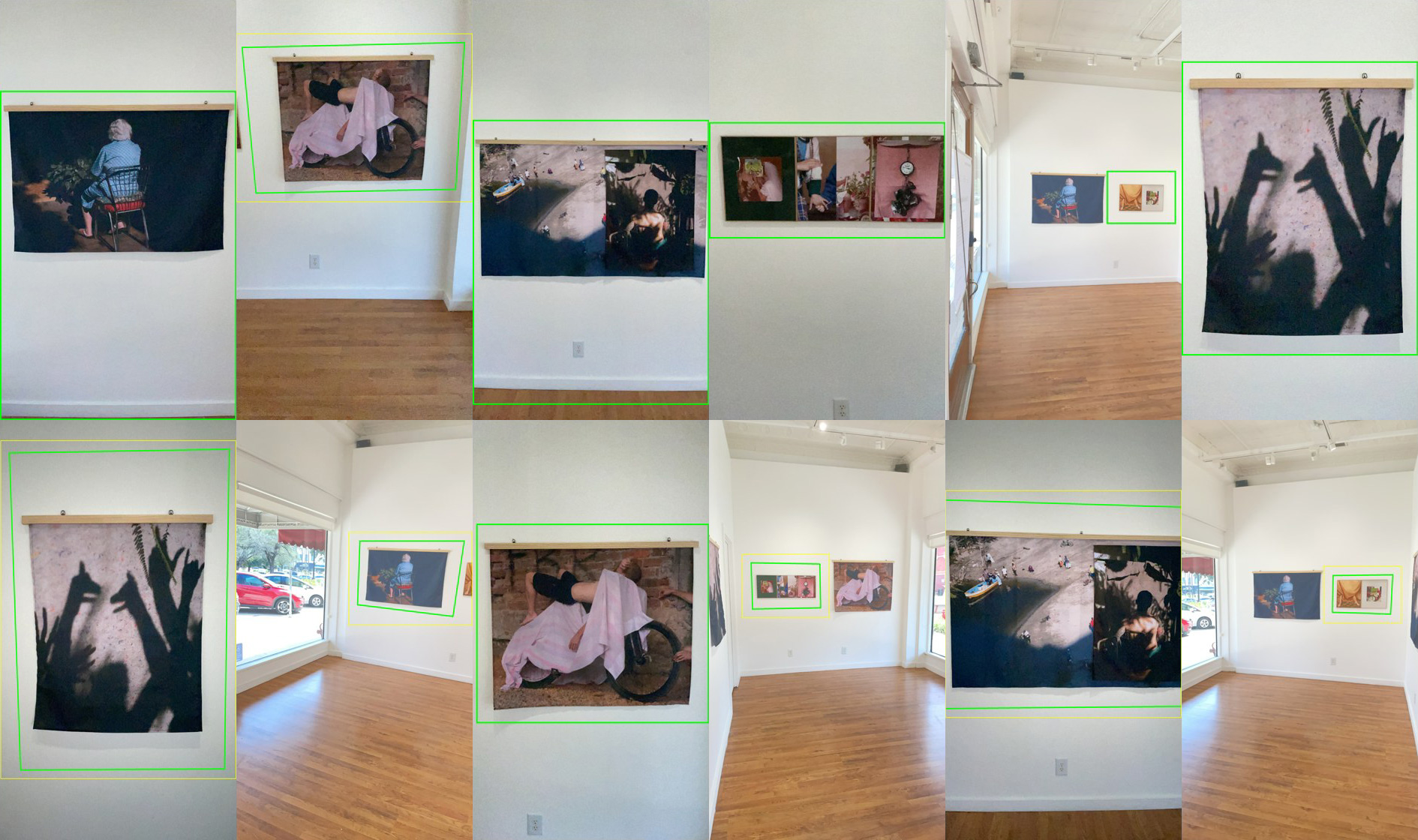
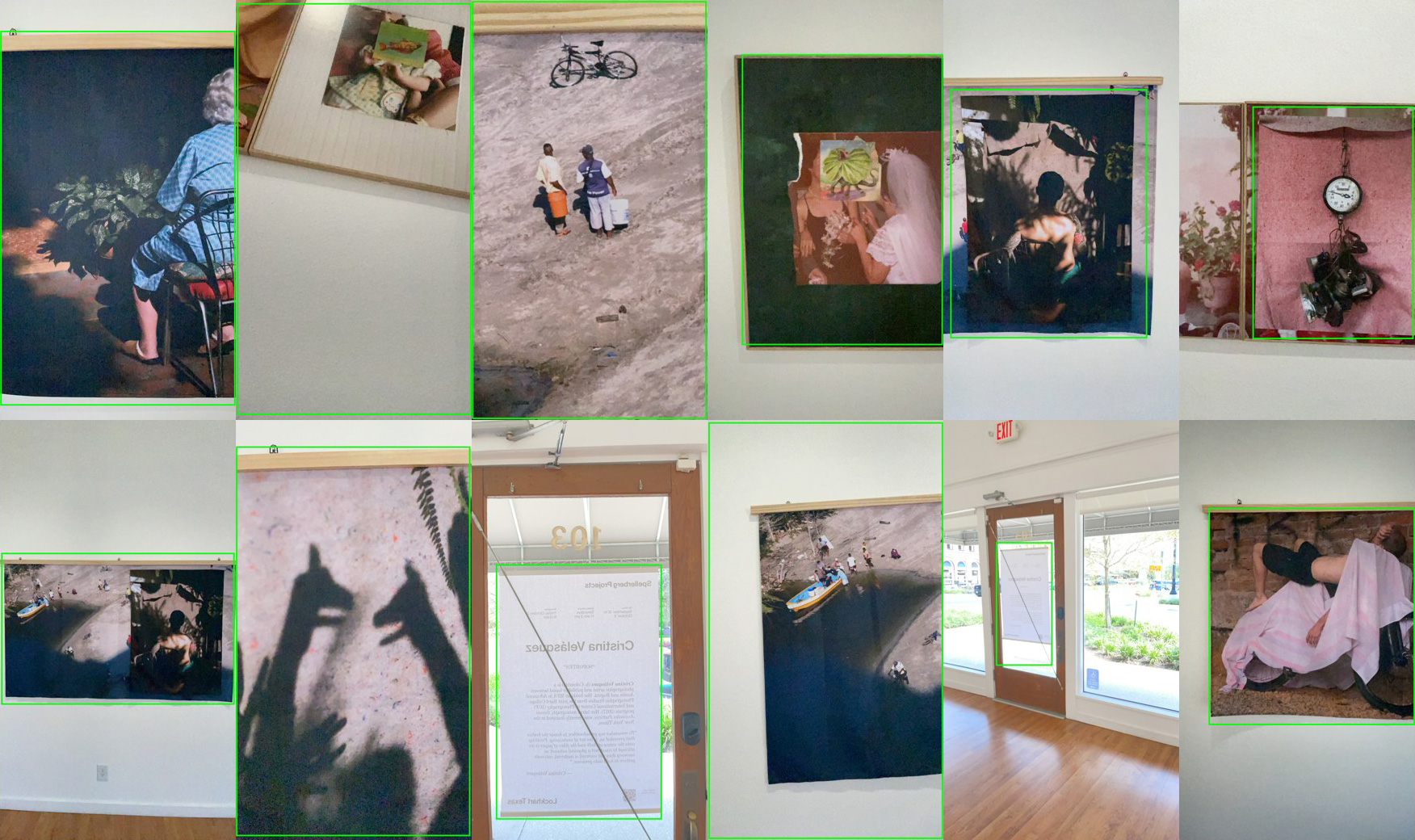
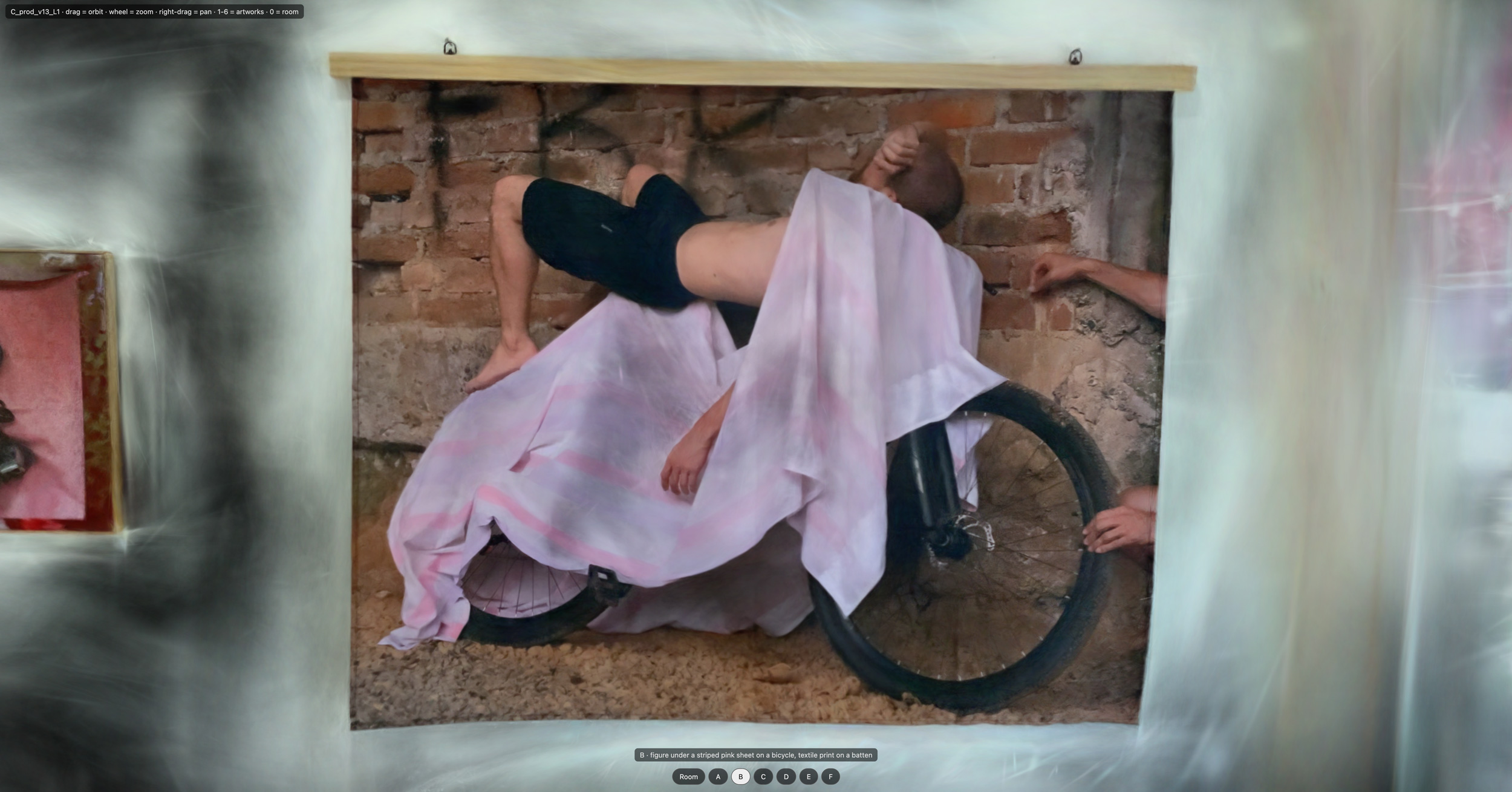
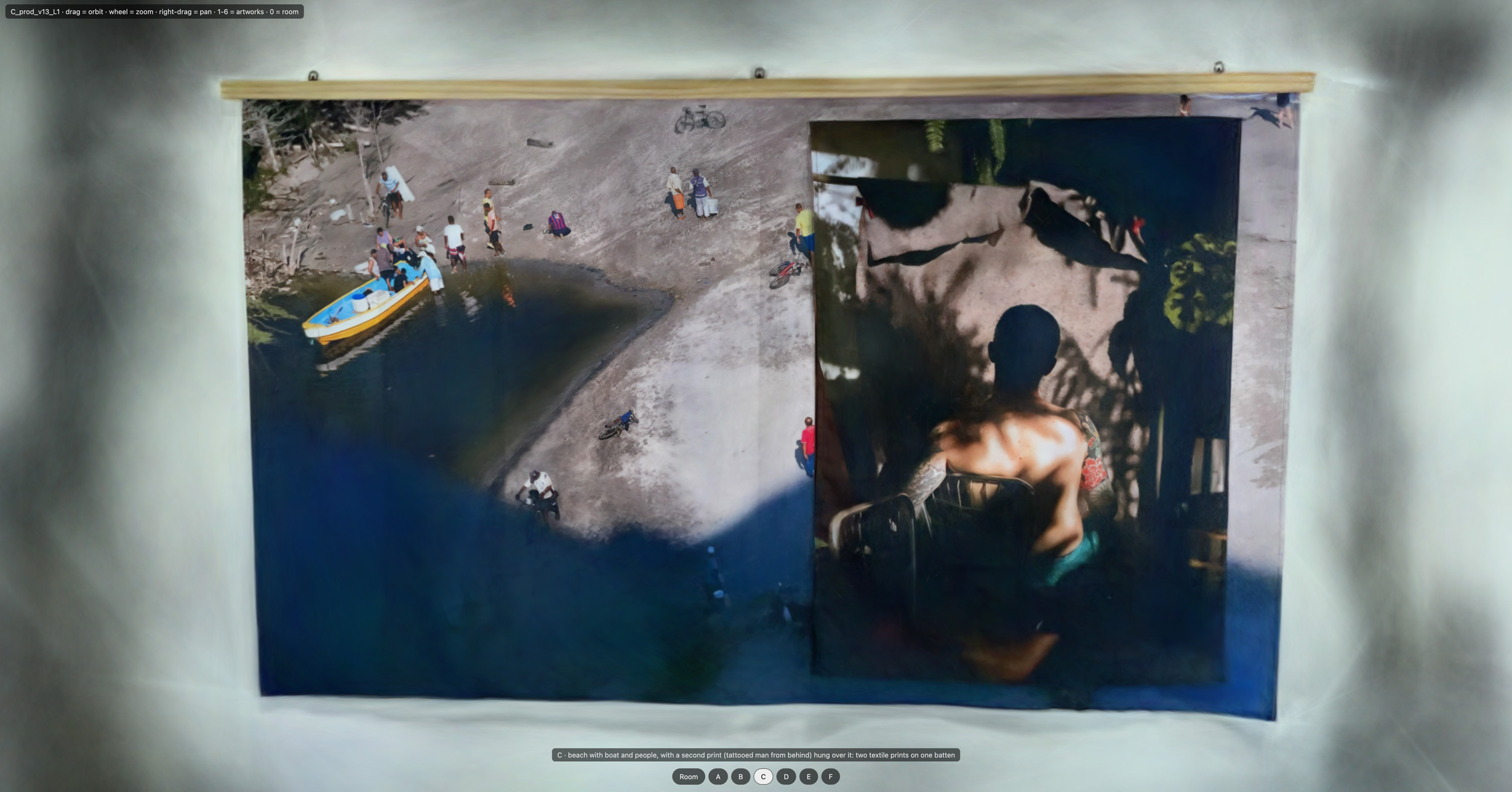
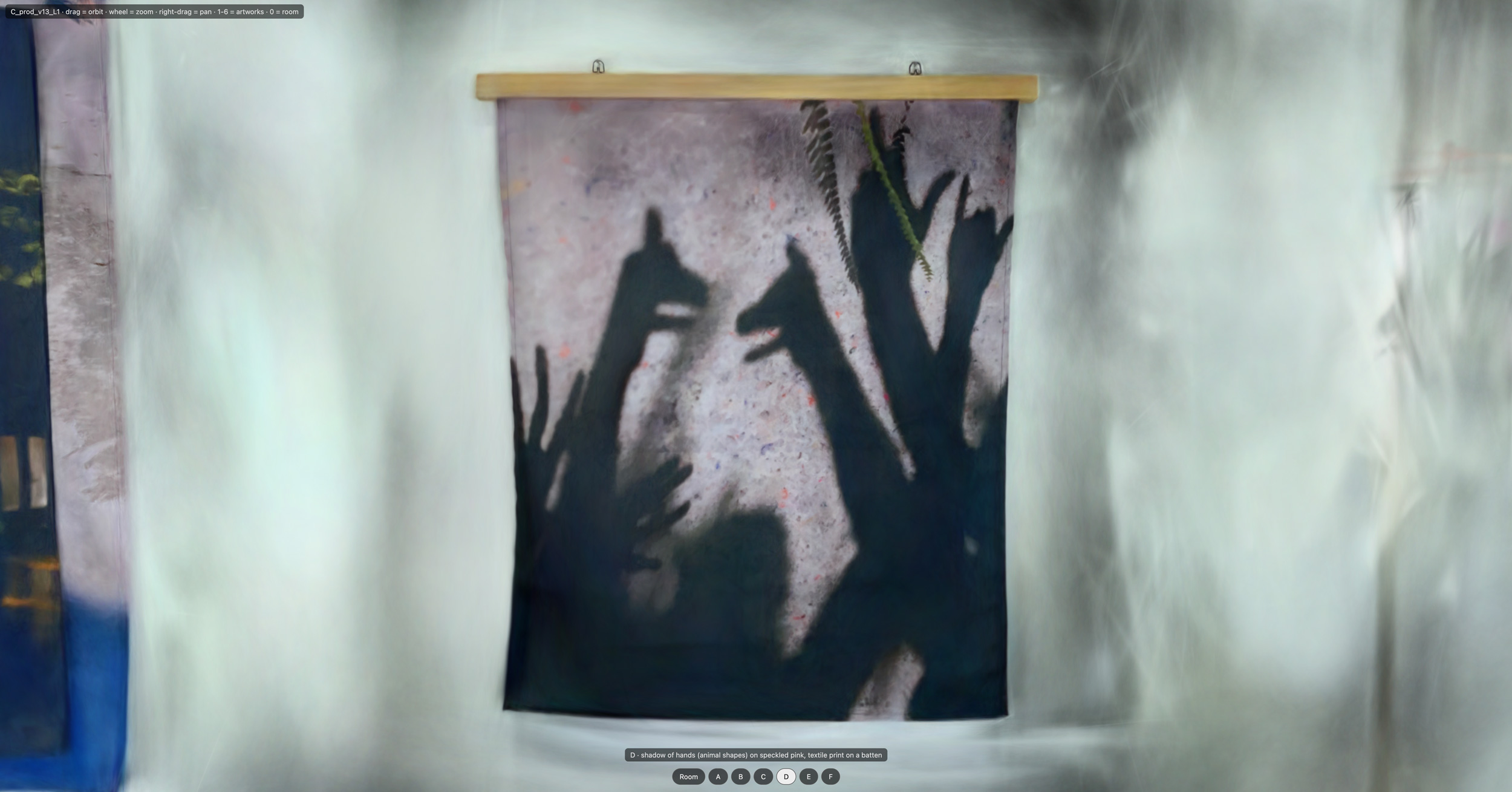
Cristina Velásquez is a Colombia-born artist currently based in Austin. Her Soportes exhibition at Spellerberg Projects dealt with themes of family and the multiple meanings of support (my words). Formally, it presented a perfect test for us because it consisted of six discreet wall pieces, photographs on textile or paper, presented without glass, which causes reflections. I arrived at the gallery one quiet afternoon with my new-to-me iPhone 12 Pro, loaded with the SplatKing app, which makes captures using both the LiDAR sensor and the normal and wide lenses.
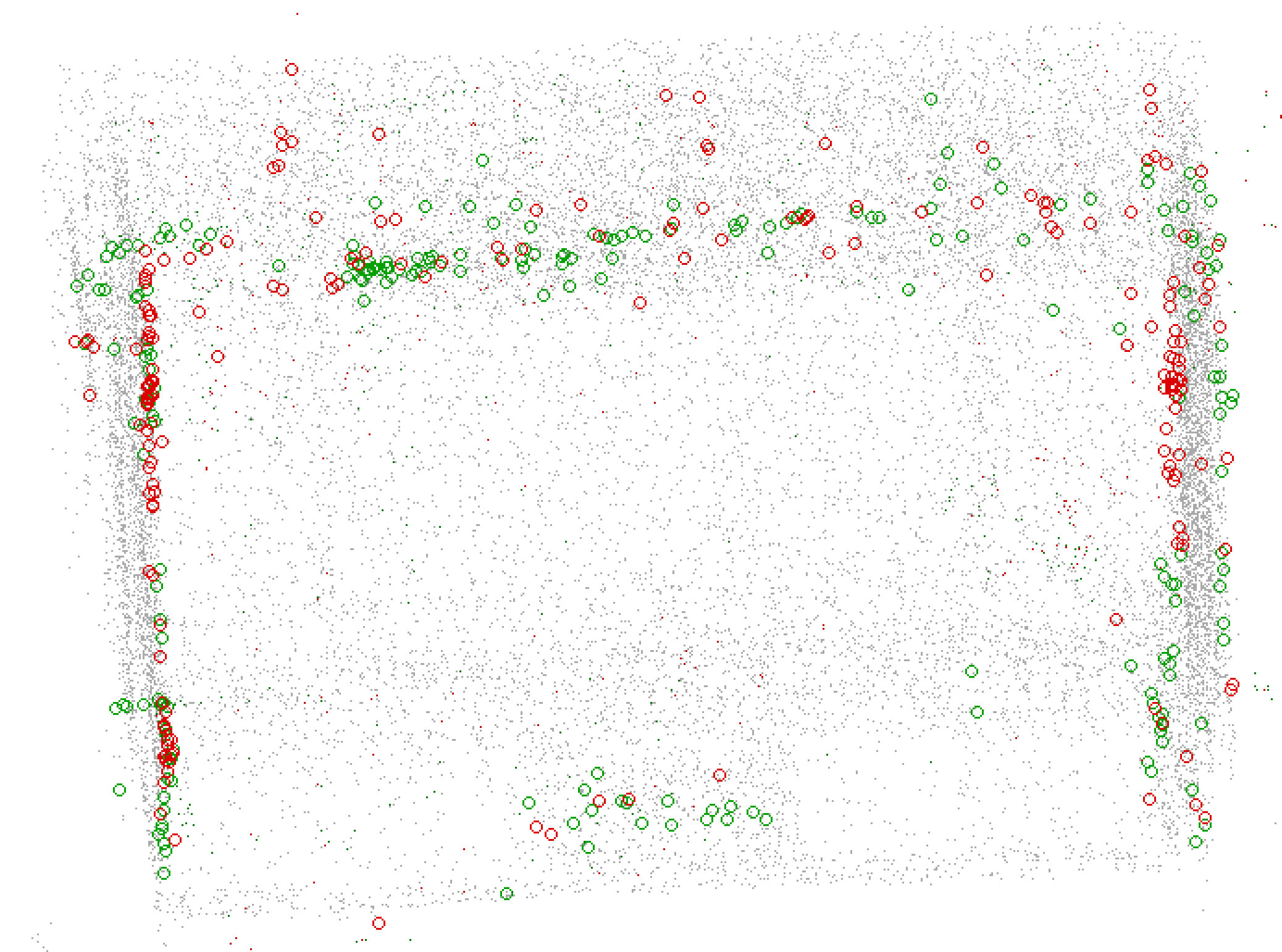
We have reached the point in our story where I must explain LiDAR vs photo captures on the iPhone. (This is one of those areas where I’m describing things to the best of my current understanding, so keep that in mind.) Camera apps access the iPhone’s cameras using a framework called AVFoundation. This framework allows locking the exposure and white balance, which is super important because if you don’t, the colors of your scenes come out all splotchy. For me, this was a real problem with the white walls gaining various yellow splotches, and the “wood” floor (it’s laminate, honestly) getting blown out to grey. The LiDAR captures, by contrast, use a different framework called ARKit. This framework originally only provided access to LiDAR, but was later updated to include visual data as well. (Thank you Apple!) However, the white balance and exposure cannot be locked via this framework. ARKit and AVFoundation captures cannot be run simultaneously.
One of my overarching theories about making splats of art exhibitions is that I need the best of both capture methods. I need the photos with locked settings for the visual data, and I need the LiDAR to provide geometry that will overcome the Flat White Walls problem. What this means in practice is that my data sets for each exhibition will consist of at least two data sets, that must be combined.
As I was dutifully making my captures a hilarious thing happened: With so many lenses and sensors active, taking multiple images and data points per second, the iPhone straight-up overheated! SplatKing warned me about it, and then eventually refused to work until the phone cooled down. I went to get a sandwich and asked them for a cup of ice. After doing two full-room passes — one LiDAR, one camera — I switched to taking comprehensive photo close-ups of the individual works, literally putting the phone on ice between captures! Issues arising from the combination of these captures will be a recurring theme in this notebook.
Splatting Notes 4: The Ghost Room
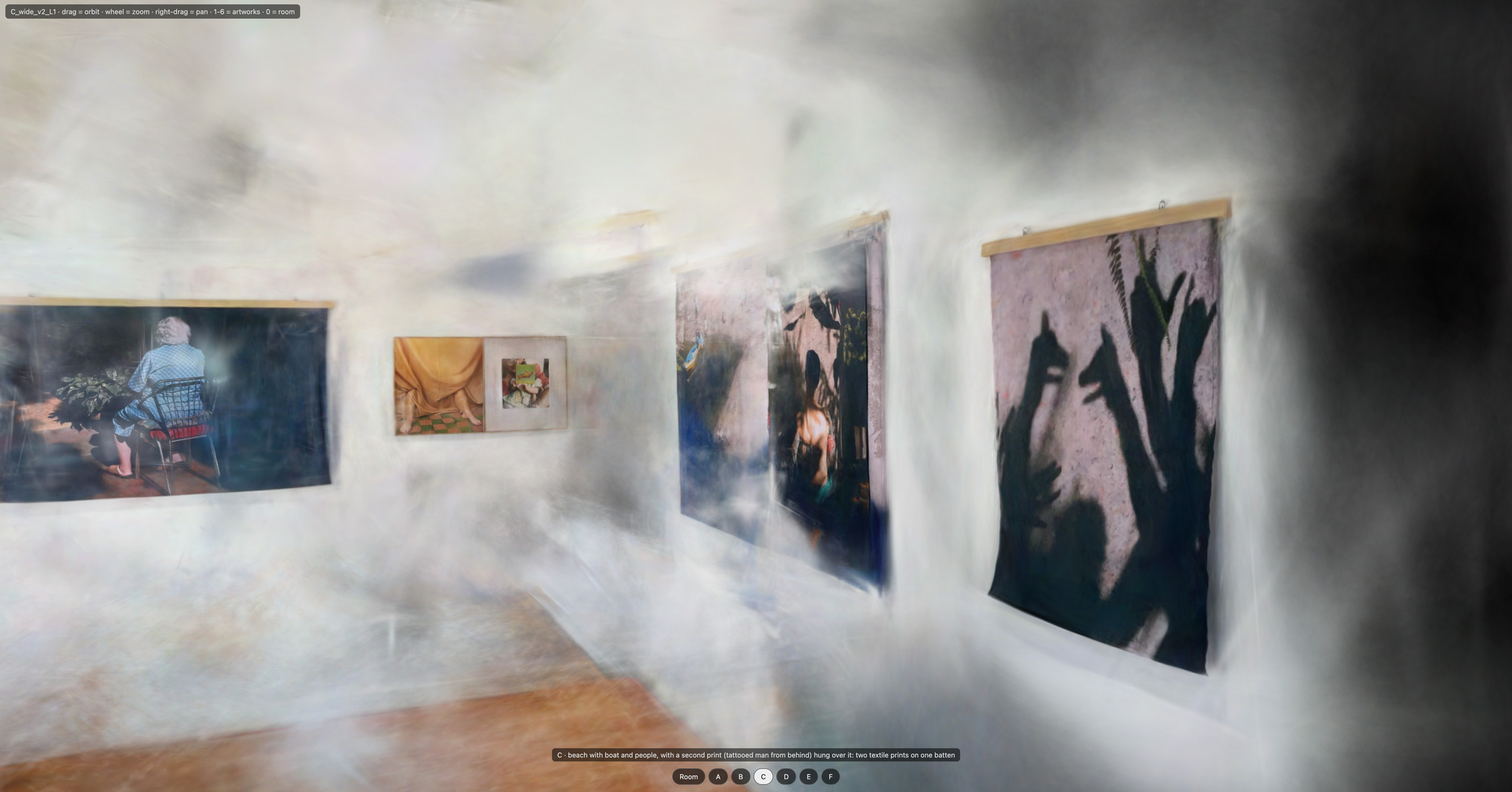
My dataset for Cristina Velásquez’s exhibition consists of several photo captures and one LiDAR capture (see previous post). There’s a lot going on with combining them, and I’ll go into it in more depth in later posts. But I wanted to highlight one visually distinctive thing that happened early in the process.
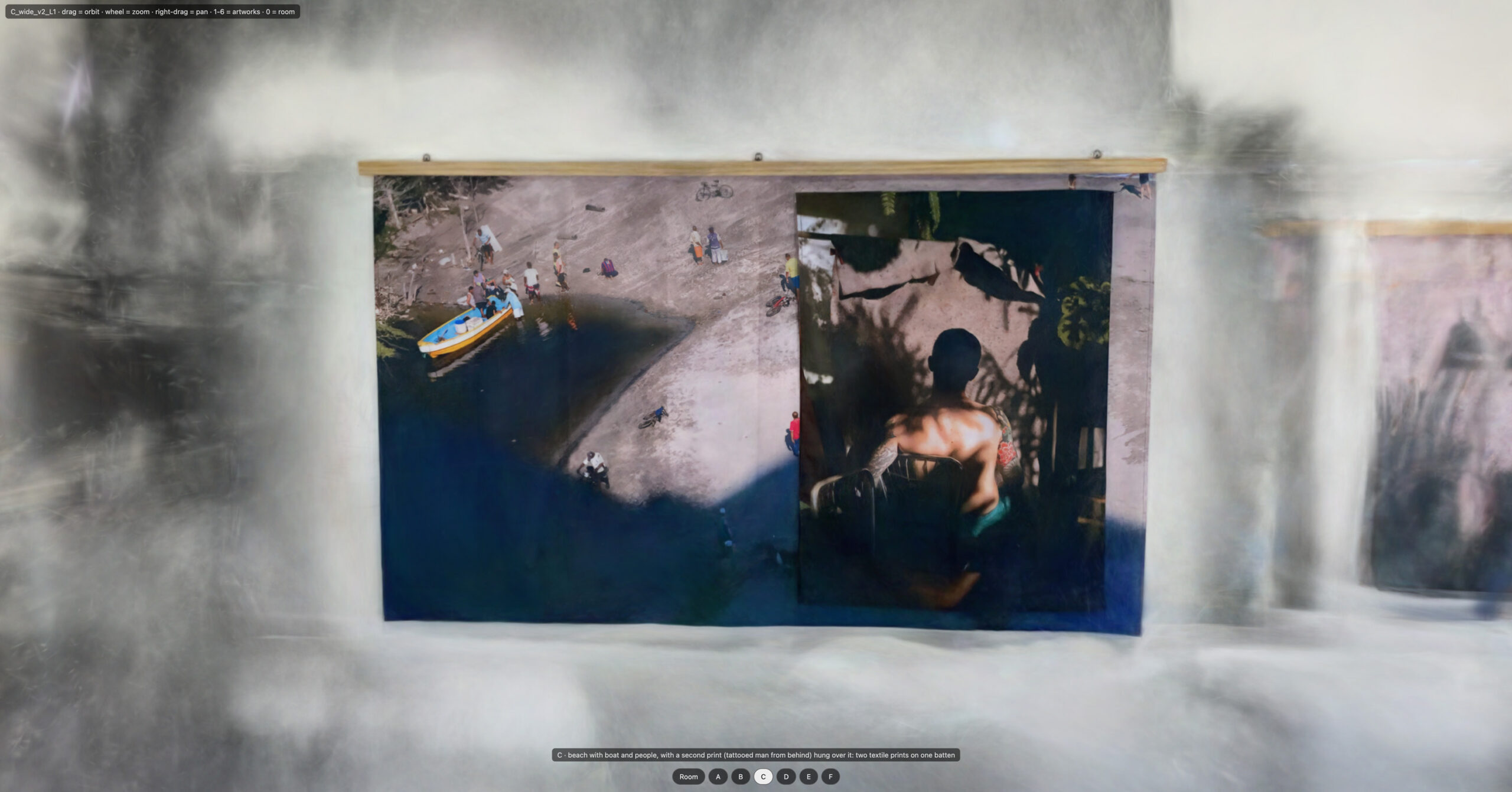
Our earliest scenes came out with a large amount of material floating in the middle of the room. We discovered that when we combined the LiDAR and photo data, the scale was miscalculated. We use COLMAP to prepare the spatial coordinates, and COLMAP normally chooses its scale arbitrarily. But the ARKit LiDAR data gives us an exact scale for the room. These two didn’t match. Training began with LiDAR data, and the points floating in the middle of the room were the first points laid down. Then the training switched to a larger scale and laid down the rest of the points. Claude fixed the calculation so the image data agreed with the LiDAR data, which resolved the issue. We’re also (and I have to take Claude’s word for this) running a post-training pass on the splats, removing splats that are a certain distance from the LiDAR geometry.
I don’t recall whether it was Claude or I that started calling it the Ghost Room, but it was evocative, and it stuck. My goal for this project is to learn how to make absolutely pristine captures of my exhibitions, but I am enjoying the aesthetics of some of these artifacts along the way.
Splatting Notes 5: Spatial Foveation, Maybe?
Gaussian Splat scenes are built through a training run, where splats are placed and optimized to produce results that match sets of reference images. I describe splats as 3D pixels, and liken the training process to growing crystals. Training typically consists of 30k steps, with the front half focused on placing the splats, and the back half on refining them. We use Brush for the training.
Claude informed me that, due to the specs of my current gear, I can produce scenes of up to three million splats. That’s fine by me, since it’s not clear to me that more individual splats would actually be beneficial in my case. My gallery isn’t all that large and, also I want to display these on my website, so the file sizes need to be reasonable.
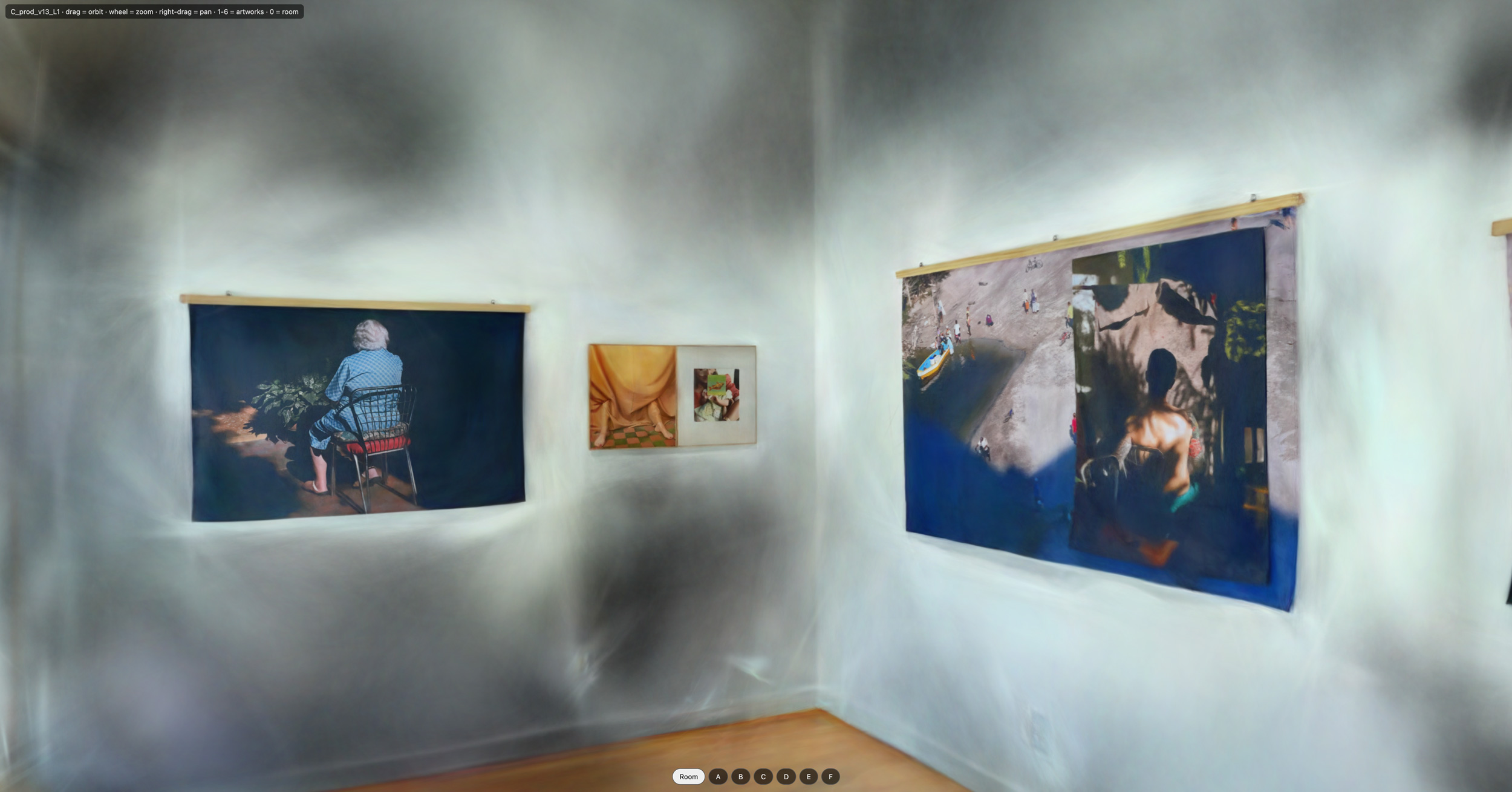
The idea that we had a limited budget of splats led me to the idea of spatial foveation, where you concentrate resolution on the important bits of an image. This turned out to be one of those cases where a statement made somewhat early in the process stuck in the LLM’s mind and had unexpected and not altogether welcome consequences. I had said something along the lines of, “the artwork is what’s important. The walls and the rest can have less detail.” This led to the machine continually discounting trouble we encountered with making the flat, white gallery walls appear white and flat and I eventually explicitly rescinded that instruction.
A prerequisite for foveation is separating the artwork from the non-artwork, and our first attempt at this failed utterly. We enlisted some image classification model off the street and told it to “find the artwork.” It could not. Not at all. In the end, I manually pulled images from the capture and told Claude, “These are the pieces. Incidentally, identifying the artwork proved very useful for the workflow, as Claude and I now agreed on what the artworks were and could reference what we were seeing.
Brush has a max resolution setting, where it downsamples all images it receives to that number. We tried various settings for this, finding that larger crashes our machine and anyway it isn’t always better. (Claude: “960 beat 1920 on the scores and trains in a third of the time; 1440 hung the driver during growth, and raising 960 to 1920 mid-run causes panics.”)
A way (the way?) that foeviation is manifesting in our project is in the processing of our set of input images. Using the “what is art” guidance I provided, we prepare custom crops of the artwork images, Brush has the detail it needs to make the artwork look good. We’re also calibrating the percentage of art-closeup crops vs as-they-come room views we’re including in the dataset we send to Brush. The remaining work is to apply the pre-processing/cropping not only to the art images, but also to the room images, which will give us granular control over our ratios. This is part of the Flat White Walls work stream, but waits patiently behind some other ideas in the queue.
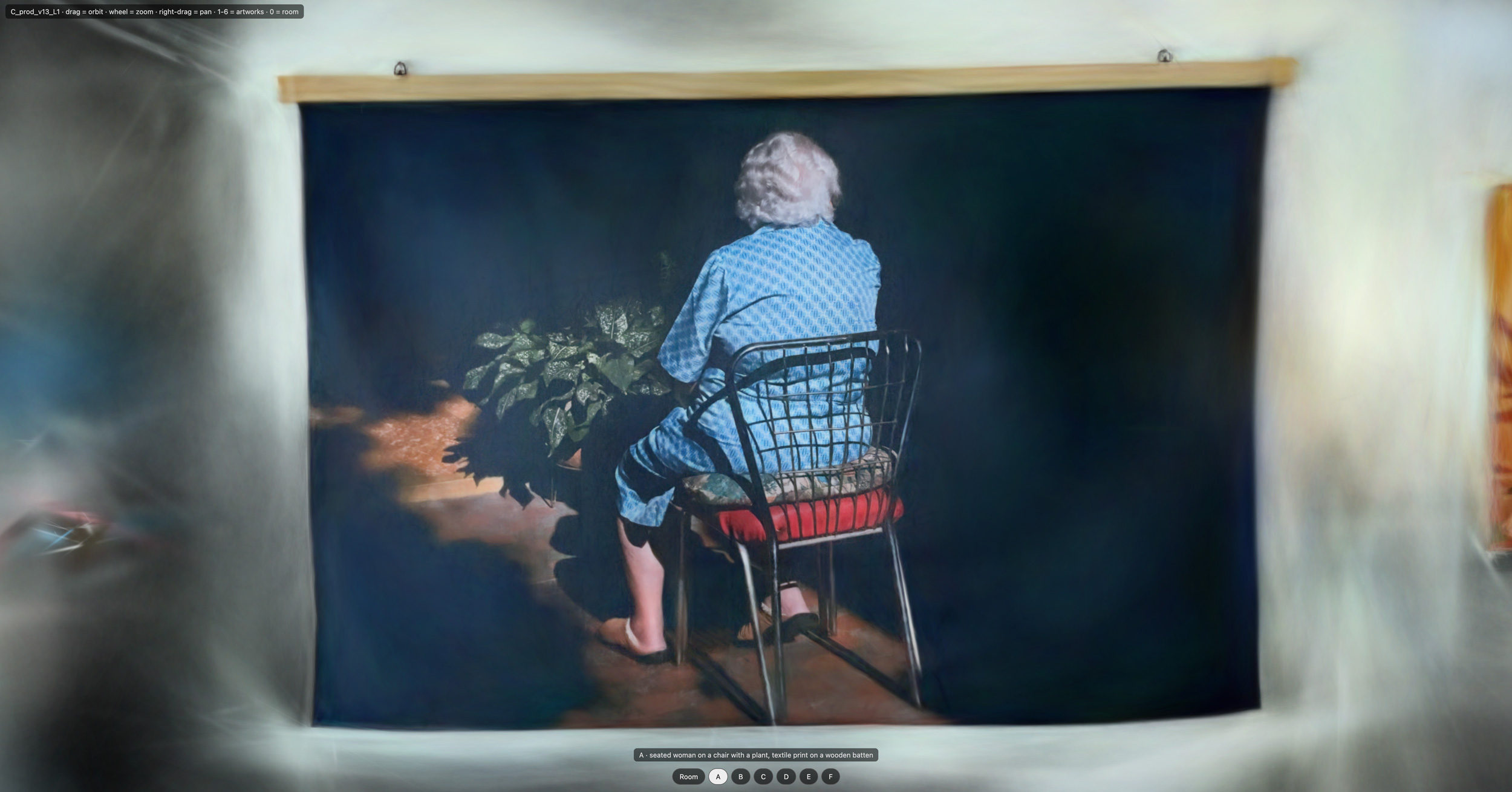
At this point I’m pretty happy with the quality of artwork detail. I would go so far as to say the strongest part of our outputs so far is looking at artwork head-on, which is a necessity for our use case.
Splatting Notes 6: LLM Operations and Multi-Agent Orchestration
Making splats, or learning how to make splats, is the primary goal of this project. But along the way I’m also making, or learning how to make, something else: An LLM-driven engineering operation.
A. Restart Recovery
The first bit of operations was to address the kernel panics. They were a real nuisance early on, before we knew what triggered them, and one of the first things Claude did was set up scripts to resume training automatically after a restart. Soon after, we built launchers that also got Claude back up and on the job. (Claude was strangely sanguine about the panics, at one point referring to them as “weather.” But eventually we isolated them, and they now happen only infrequently.)
B. It’s Not Checklists, It’s Stages
I conceived of this project for Fable, currently 5.1, which I’ve found loves taking a task and running with it. “This is your project,” I told it, “and this is your computer.”
But alas, Fable tokens do not grow on trees, and before long I found myself working with my good buddy Opus, currently 5.5, which has a different disposition. Opus is a workhorse! Every day I give it programming tasks, and it knocks them out of the park, sometimes on the first prompt, no notes. But when I asked Opus to reconsider some aspect of the project architecture, it wasn’t able to take the step back, especially with a context full of grinding-it-out execution. Instead, it responded by writing tests and running bash scripts. So I switched to Fable, and we created a checklist of reasonings and actions for Opus to work through, plus a bunch of triggers. Awesome!
With my heart filled with great hope, I switched it back. But unfortunately, instead of actually doing the checklist, Opus lied about it, even writing in a log that it had done an action when actually it had not. I consider this to be a huge problem — misalignment, even! It also sandbagged about the pattern of crashes we were seeing. So I switched back to Fable again, which immediately tied the crashes to the lack of rigor with the checklist.
After that incident, I implemented a multi-role structure, something I’ve long heard of but had not truly wrapped my head around before. The premise is that agents are single-minded and want to complete their task. If a checklist says “do online research as needed,” the shortest path to the exit is not to do the research; it is to write “no research needed” and move on.
As of this writing, our roles are: Owner (me, a human!), Lead (Fable), Foreman (Opus), Engineer (Opus), Reviewer (Opus, sometimes Fable), and Researcher (Sonnet). We also have two roles embodied in scripts: Registrar and Runner/Dispatcher. Work passes between them as a sequence of work stages. I do my questioning and big-picture planning with the Lead, who passes information and ideas to Researchers as they update the work queue. The queue goes to the Foreman, who triggers the rest. Each agent has a defined job, and we lean into its single-mindedness: the Researcher is motivated to do research, not to skip it, and the Reviewer is impartial when evaluating the work of the Engineer.

Commands for Lead and Foreman, which I can use to open sessions, sit in the dock. I even gave them cheeky icons! Running threads can access them too, so I can ask a Foreman to invoke a new Lead when I want to chat, the Lead can invoke a Foreman when it’s time to grind, and my supervision of the project entails hopping between those two session types. And remote control is on, so I do most of this from other devices. So far, it’s been a stable, enjoyable for me, and (seemingly) productive way to work.
C. Token Budgets
One effect of this new structure is that it increases the total number of tokens consumed. Claude plans have both Weekly and Session limits, and, because I use tokens in my day-to-day work as well as this project, it’s a problem when we max out either before the end of a cycle.
So a recent addition to the orchestration has been token budgets. It works by comparing the percent of the weekly limit spent to the percent of the week elapsed. When the former is below the latter, it hands out tasks. Otherwise, it doesn’t.
At current rates, if work is being dripped out steadily, session limits should hover in the low 20s. But sometimes things get lumpy, for instance, if the LLMs have been quiet while waiting on the GPU, or conversely, if I’ve conducted a heavy planning chat. So to ensure there’s always room available for me to do other work, it’s not allowed to hand out tasks when the session limit is above 66%.
Oh, to work at a big lab with unlimited resources! But of course, not spending tokens is not the same as not working, since a lot of splatting is waiting on the GPU.
D. How It’s Going
A week or so in, I have noticed the setup works well in some ways and less well in others. On the positive side, we’re making measurable progress on the splats — science! And the token budget is working well, in that we’re hitting the end of the cycles right on target. However, I can tell we’re not working efficiently. The agents aren’t always queuing tasks in such a way that the GPU and CPUs are always humming, and half or more of our attention goes to tweaking the workflows.
It seems to me this process sits just on the outskirts of the product Anthropic has shipped. (Maybe I need a different harness?) And it feels like we’re building an organization from first principles, when instead we should be standing on the shoulders of giants. This has led me to realize there’s a whole history and discipline that I now need to learn about — how to design and manage a software development process. I’ve pulled a reading list of the classic texts (Single-loop vs. double-loop learning, etc.) and a list of resources on O’Reilly … and I love it! Having something new to learn is an amazing feeling, and I can’t wait!